n8n
What is n8n?
n8n is an open-source, workflow automation tool that allows users to connect and integrate various applications, services, and APIs in a visual and customizable way. Similar to tools like Zapier or Make (formerly Integromat), n8n enables both technical and non-technical users to create automated workflows — also known as “automations” or “flows” — without the need for repetitive manual tasks.
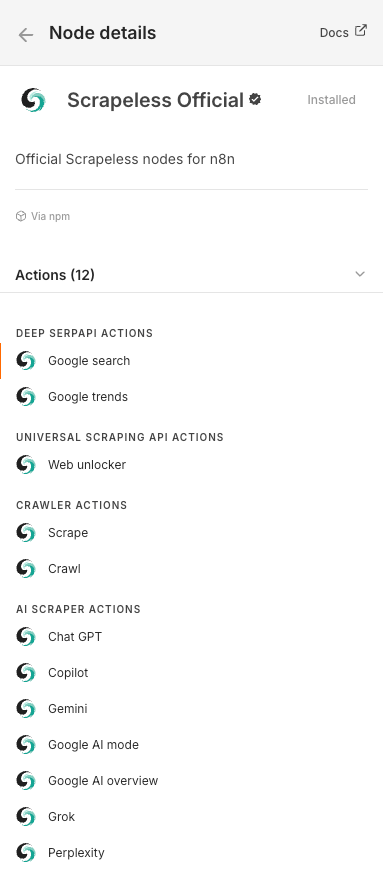
Scrapeless offers the following modules in n8n:
- Search Google – Easily access and retrieve rich search data from Google.
- Unlock a website – Access and extract data from JS-Render websites that typically block bots.
- Scrape data from a single page – Extract information from a single webpage.
- Crawl data from all pages – Crawl a website and its linked pages to extract comprehensive data.
- AI Scraper - Extract AI chat conversations at scale so you can watch brand mentions, compare answers, and analyze competitors across the latest AI models. You can capture URLs, prompts, Markdown responses, citations, and more, all delivered in real time through a single unified workflow.
Why Use Scrapeless with n8n?
Integrating Scrapeless with n8n lets you create advanced, resilient web scrapers without writing code.
Benefits include:
- Access Deep SerpApi to fetch and extract Google SERP data with a single request.
- Use Web Unlocker API to bypass restrictions and access any website.
- Use Crawler Scrape to perform detailed scraping of individual pages.
- Use Crawler Crawl for recursive crawling and retrieving data from all linked pages.
- Use AI Scraper to extract AI chat conversations at scale.
These features allow you to build end-to-end data flows that link Scrapeless with 350+ services supported by n8n, including Google Sheets, Airtable, Notion, Slack, and more.
Getting Started
Step 1. Get Your Scrapeless API Key
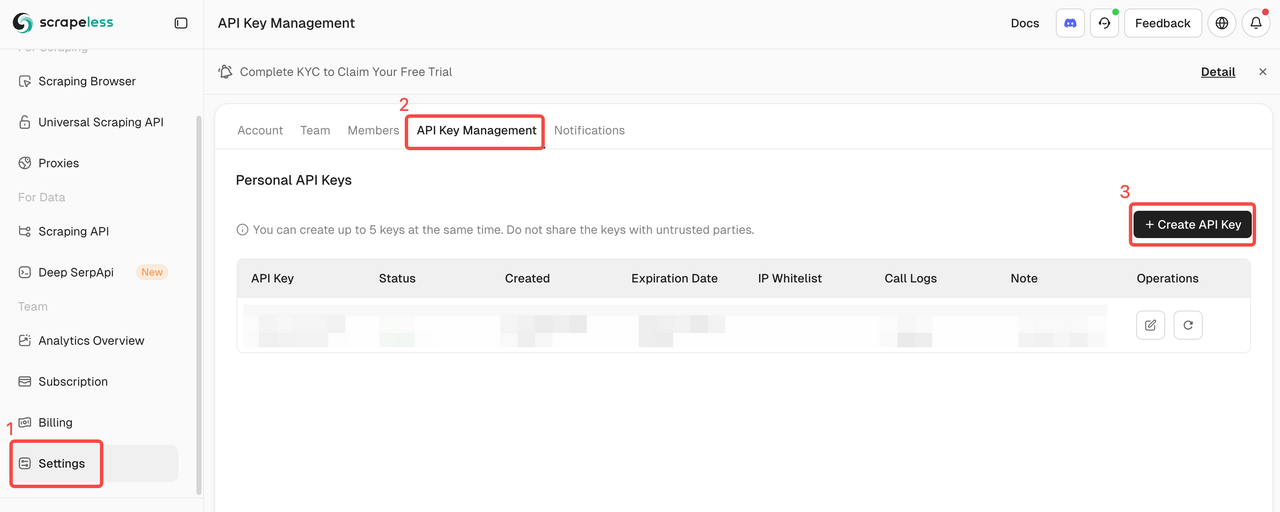
- Create an account and log in to the Scrapeless Dashboard. You can get 2,000 Free API Calls.
- Generate your Scrapeless API key.
Step 2. Set trigger conditions and connect to Scrapeless
- Navigate to the n8n Overview page and click “Create Workflow”.

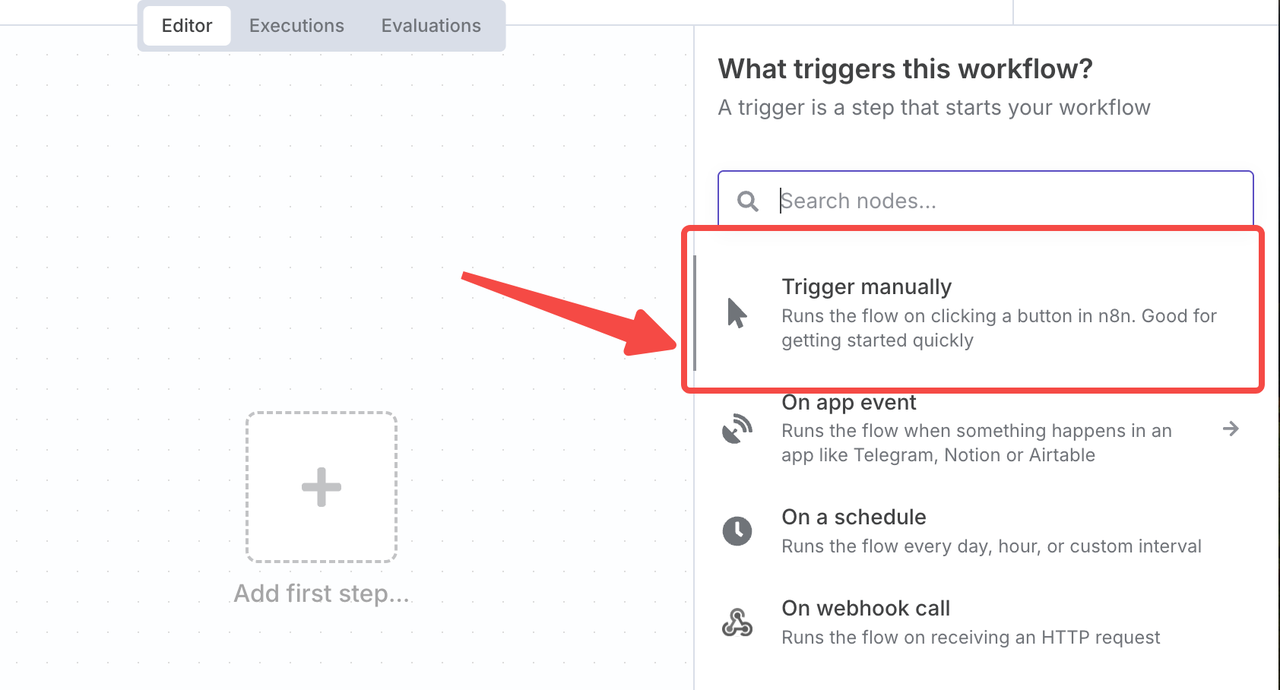
- You’ll be presented with a blank workflow editor where you can add your first step. We need to start the workflow with a trigger that kicks off automation. We’ll select “Trigger manually”.
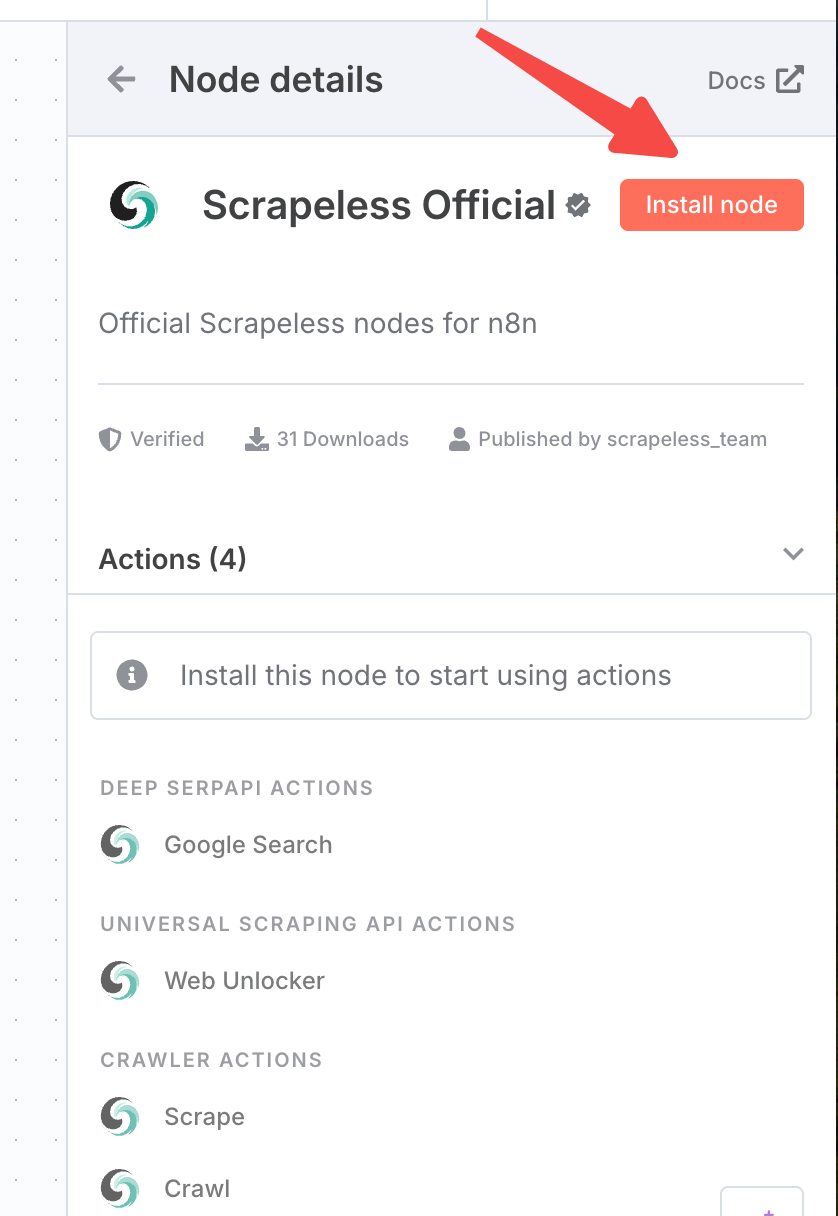
- Add the Scrapeless community node. If you haven’t installed it yet, just click to install it. Then select ‘Google Search’
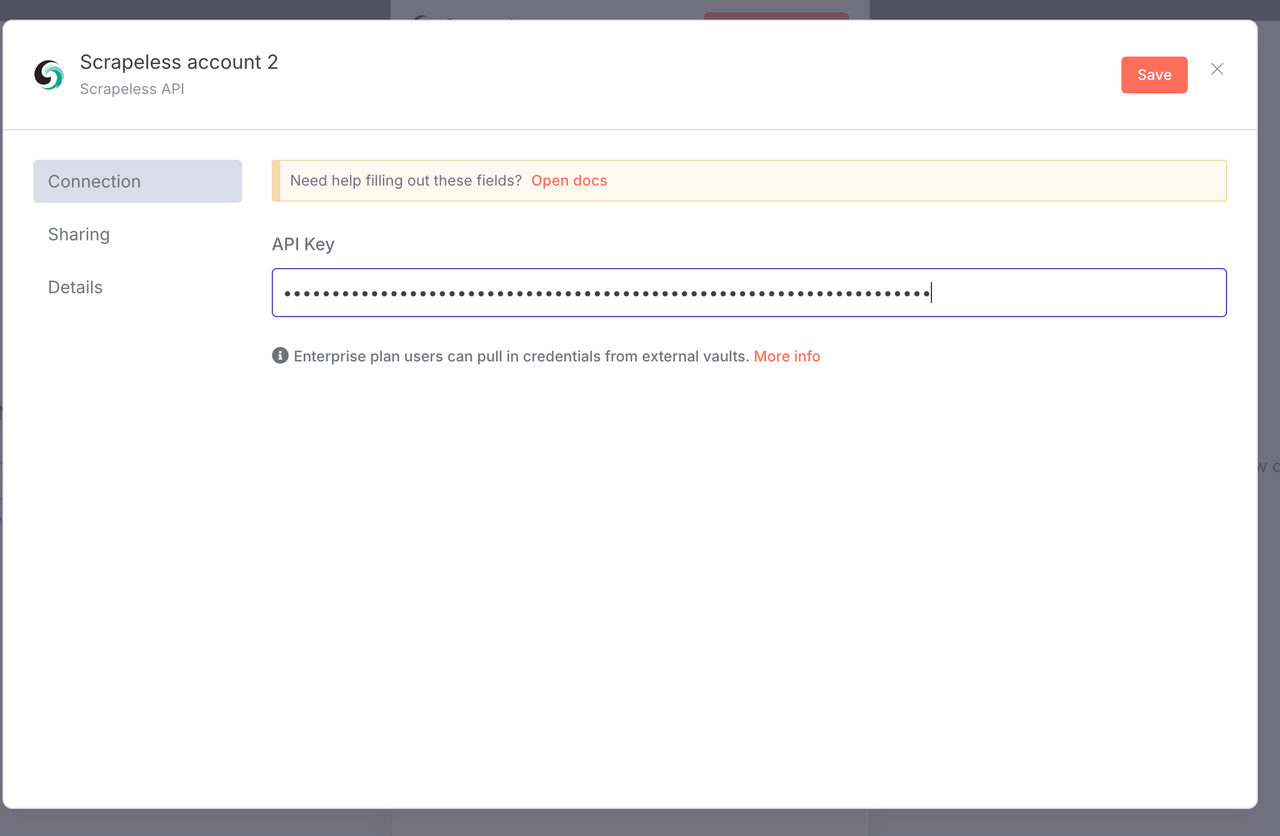
- Click on “Create New Credentials”. Paste the Scrapeless API KEY.
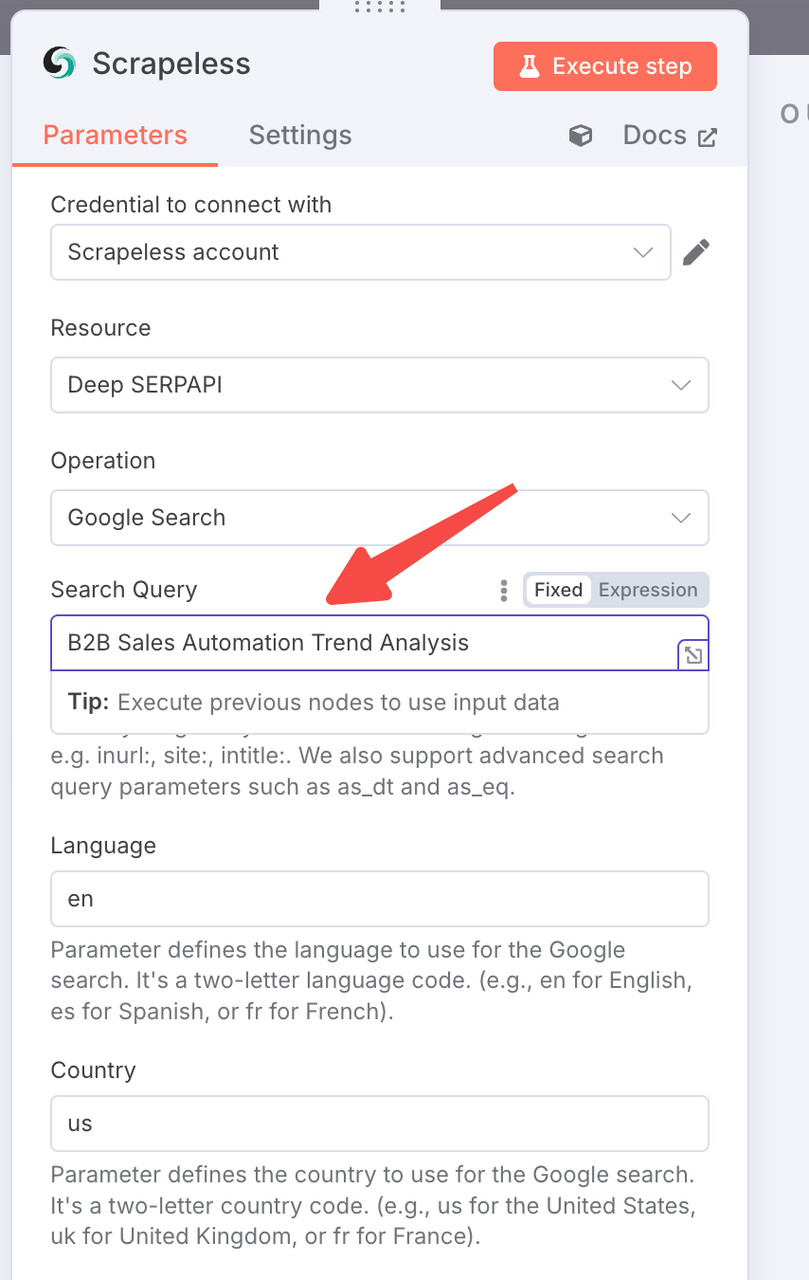
- Now we can configure our search query. We will search for “B2B Sales Automation Trend Analysis”.
- Now, you can click the Run icon to test whether the configuration is successful. After the test is correct, we need to configure Discord.
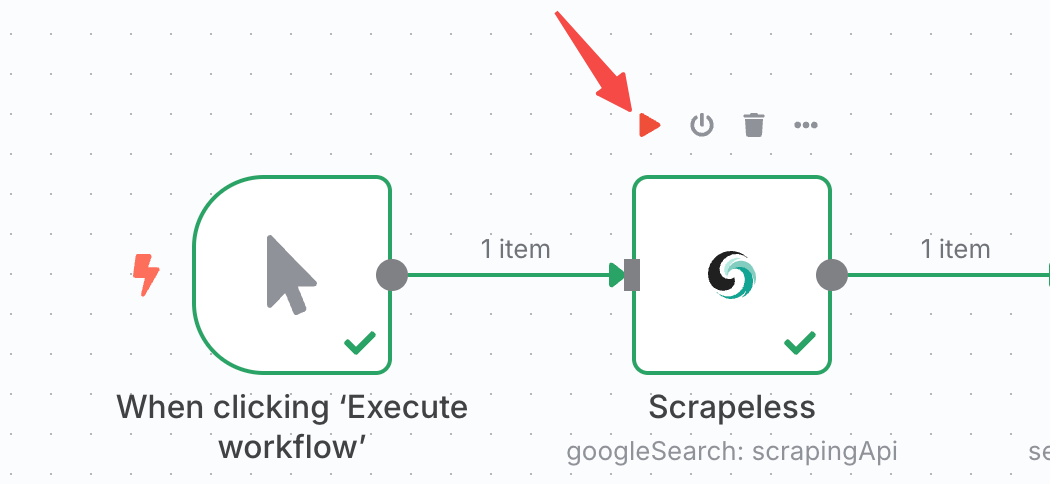
Step 3. Convert the crawled results into Json format
Next, we just need to convert the crawled results in the previous step into josn format. We need to configure a conversion file.
You just need to click the ”+” sign and add “Convert to Json”. Then please configure it as shown below.
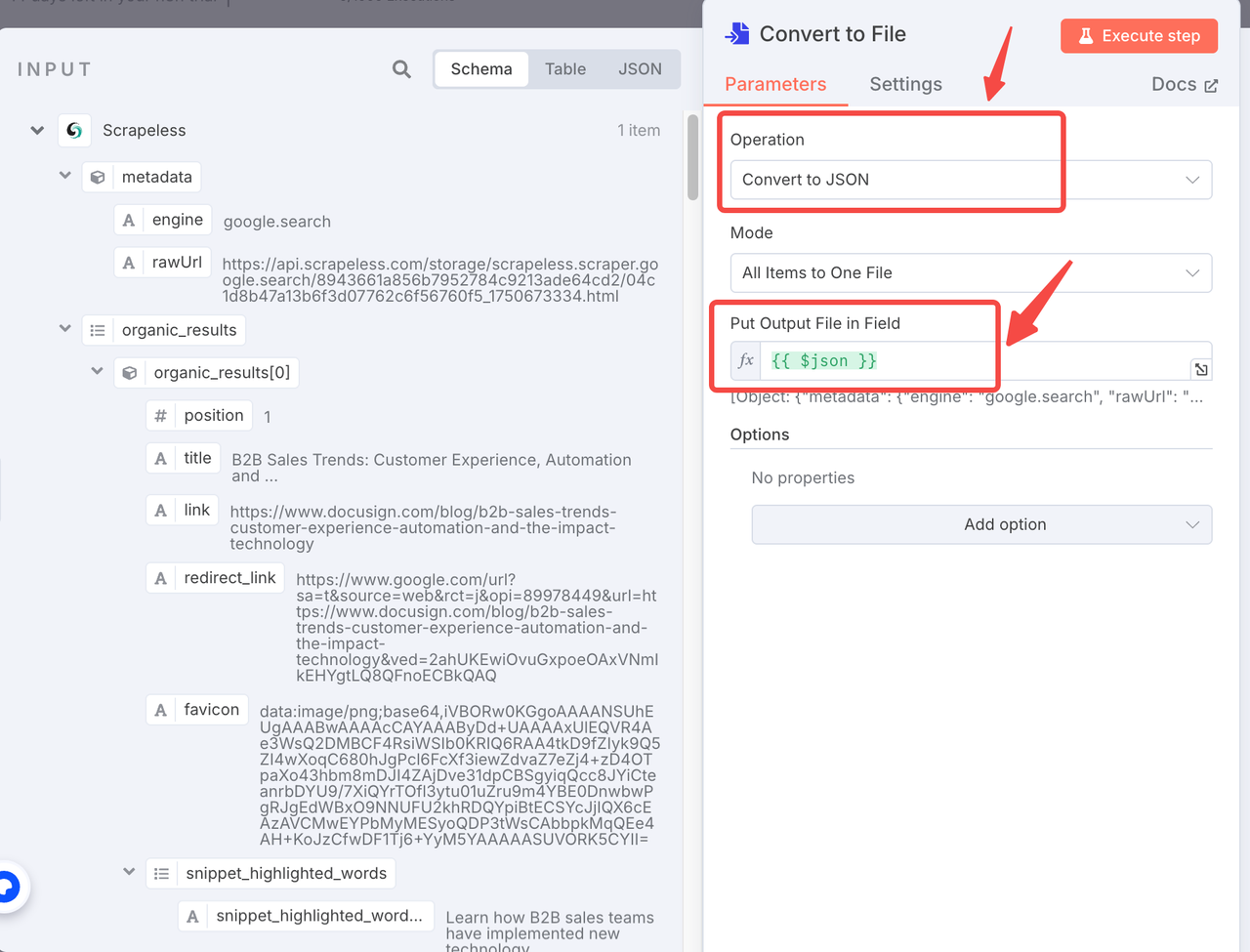
Step 4. Connect Discord to receive messages.
- Click ”+” to add Discord.
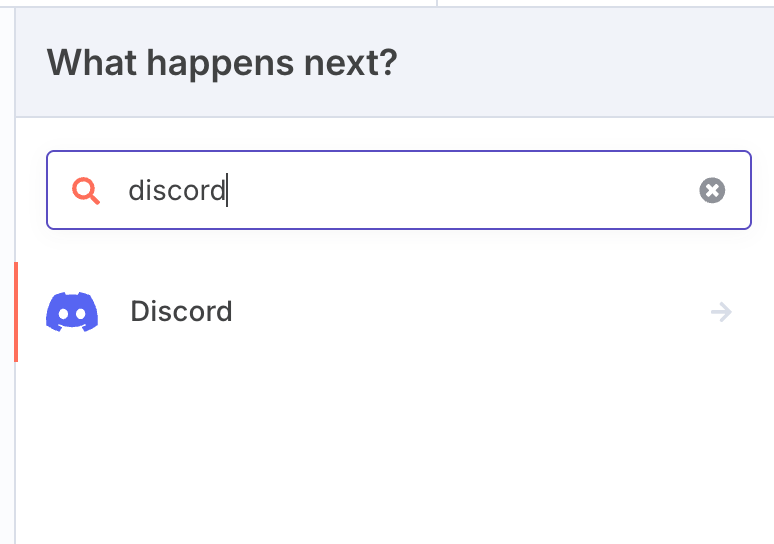
- Select “Webhook” for Connection Type
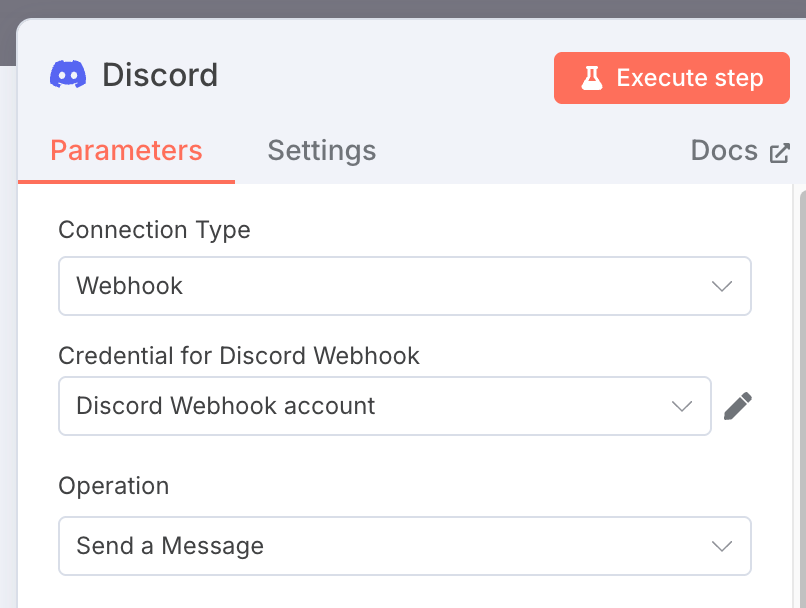
- Next, you need to configure the webhook link of the Discord community you use to receive information. Paste the Discord webhook link
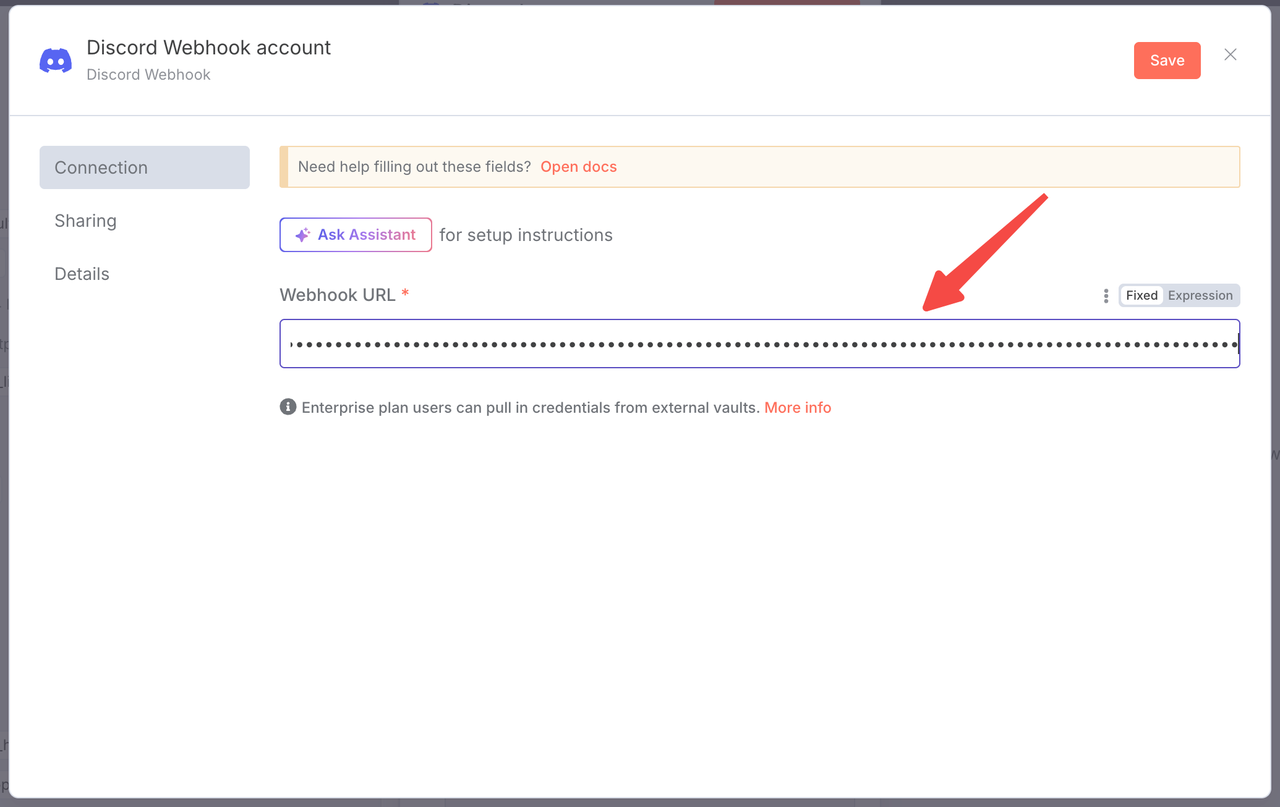
- Then, in Message, you can define where the data comes from. Of course, you don’t have to set this option.
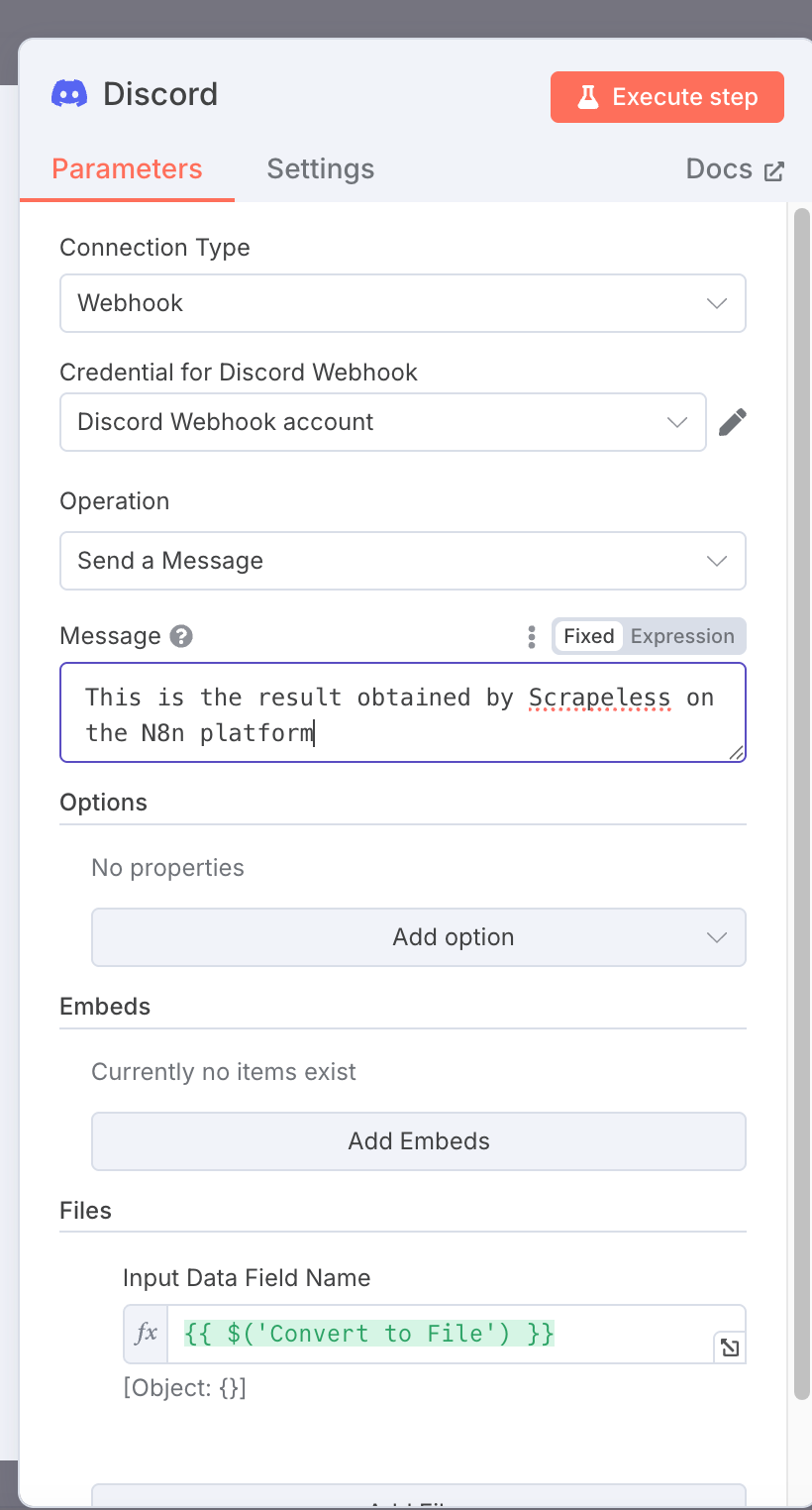
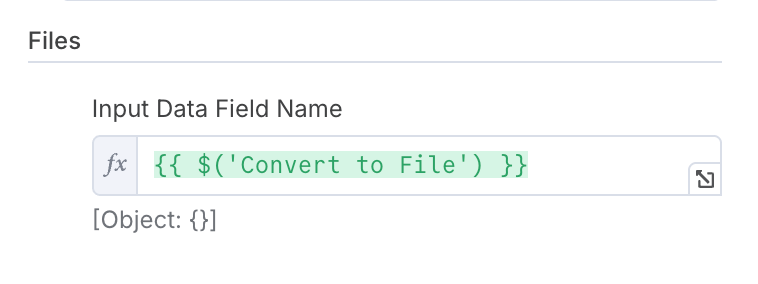
- In the last step, you need to select “convert to files” under Files.
Step 5. Run to get structured files
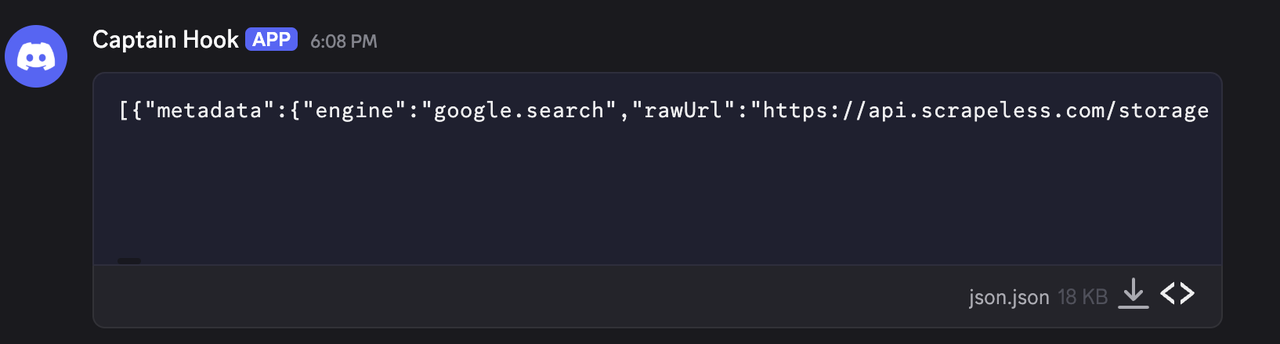
Click to run this workflow and you will get the corresponding structured files, which you can download and use directly.